
Build your custom applications in teams without coding.

Microsoft Teams integration
With Yeeflow for Microsoft Teams, create form and application right in your Microsoft Teams and transform conversations into structured work.
Work where teams already collaborate
Extraordinarily fast, visual, model-driven development meets AI, cloud, and DevOps. With Yeeflow, you can tackle your application backlog, deliver cloud-based modern apps, and keep up with the changing needs of the business to drive future innovation.
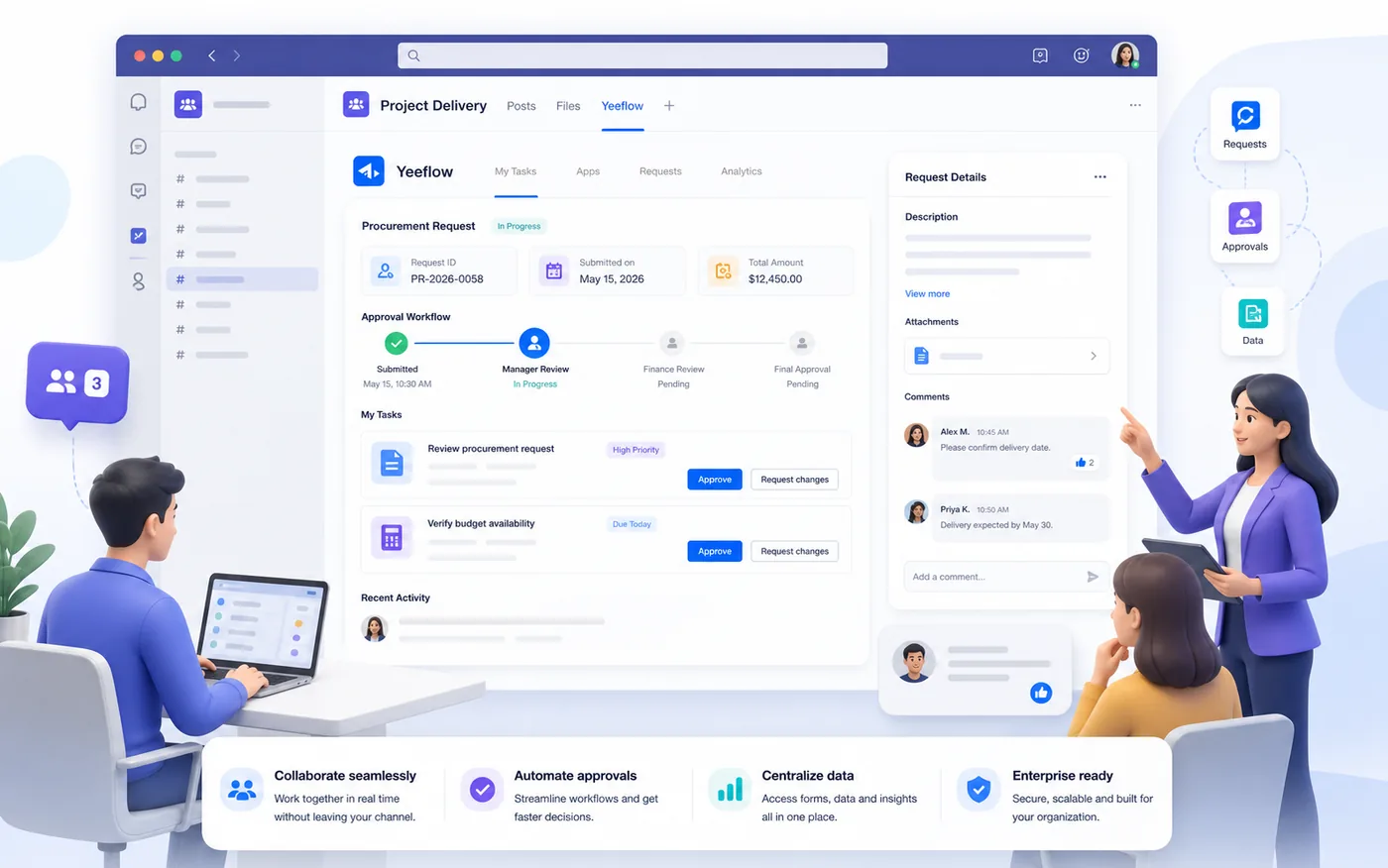
Build your custom applications in teams without coding.

Invite your teammates to work together.

Work in Yeeflow without leaving teams.

Microsoft Office 365 user management & more integrations
Discover the simplicity of adding Yeeflow to your Microsoft Teams environment directly from the Teams App Store. Enhance your team's productivity with just a few clicks.
install from Teams App Store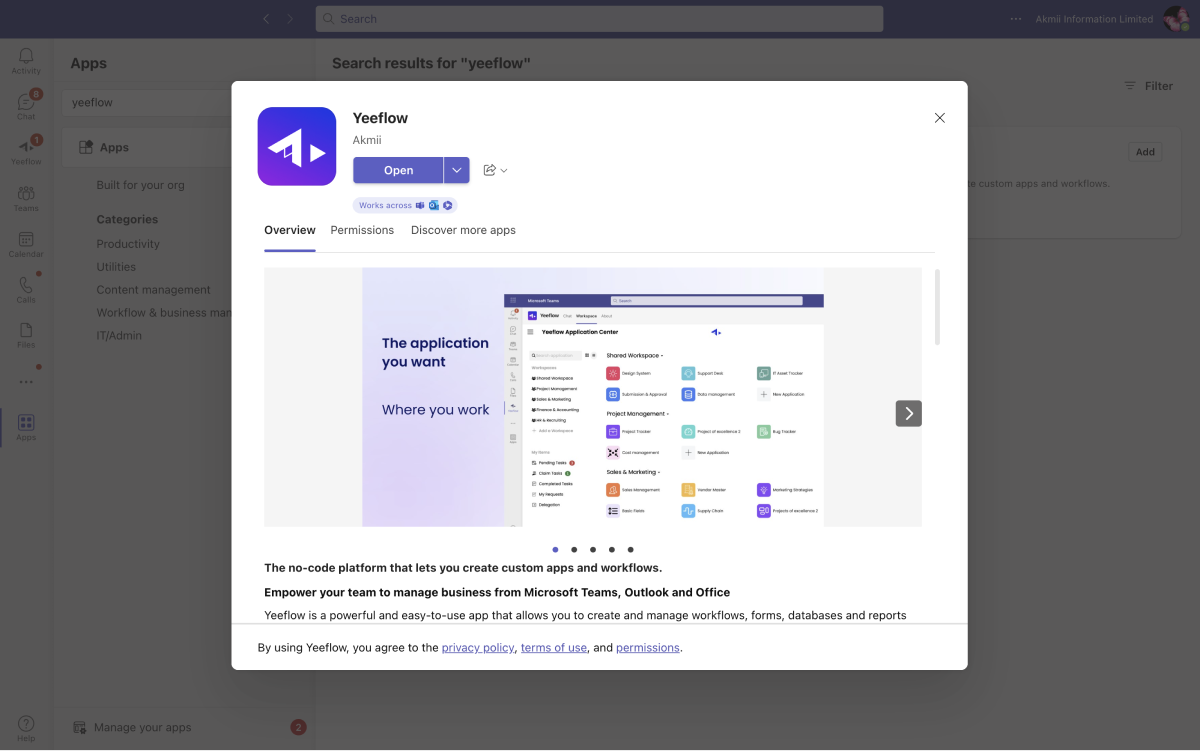
Create and manage business process automation workflows and applications without leaving Microsoft Teams. Yeeflow's integration brings powerful workflow automation right into your Teams workspace.
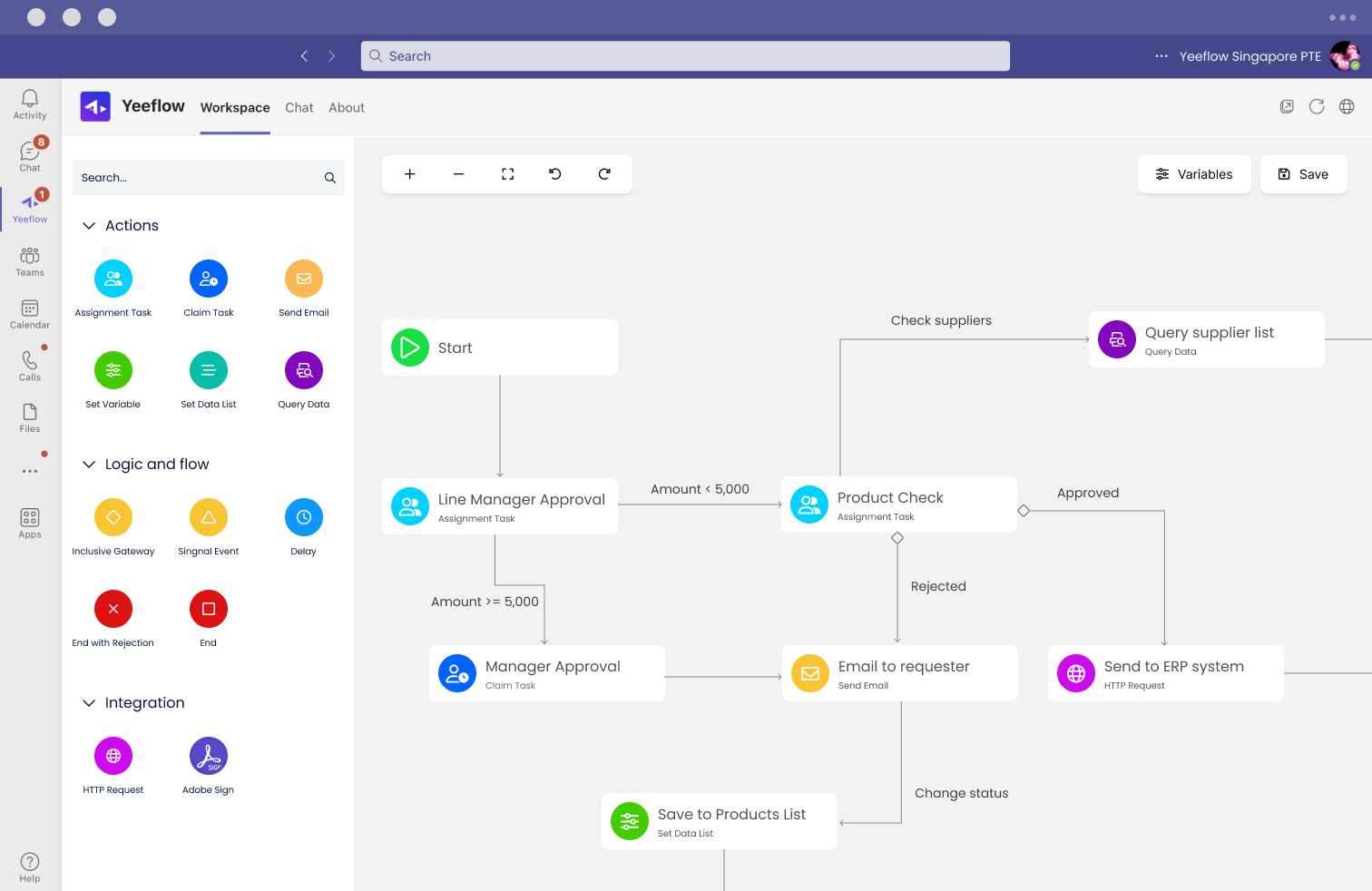
Elevate your team's collaboration by integrating Yeeflow applications into your Microsoft Teams channels. Share, discuss, and manage applications effortlessly, fostering a collaborative team environment.
Add Apps to Teams Channel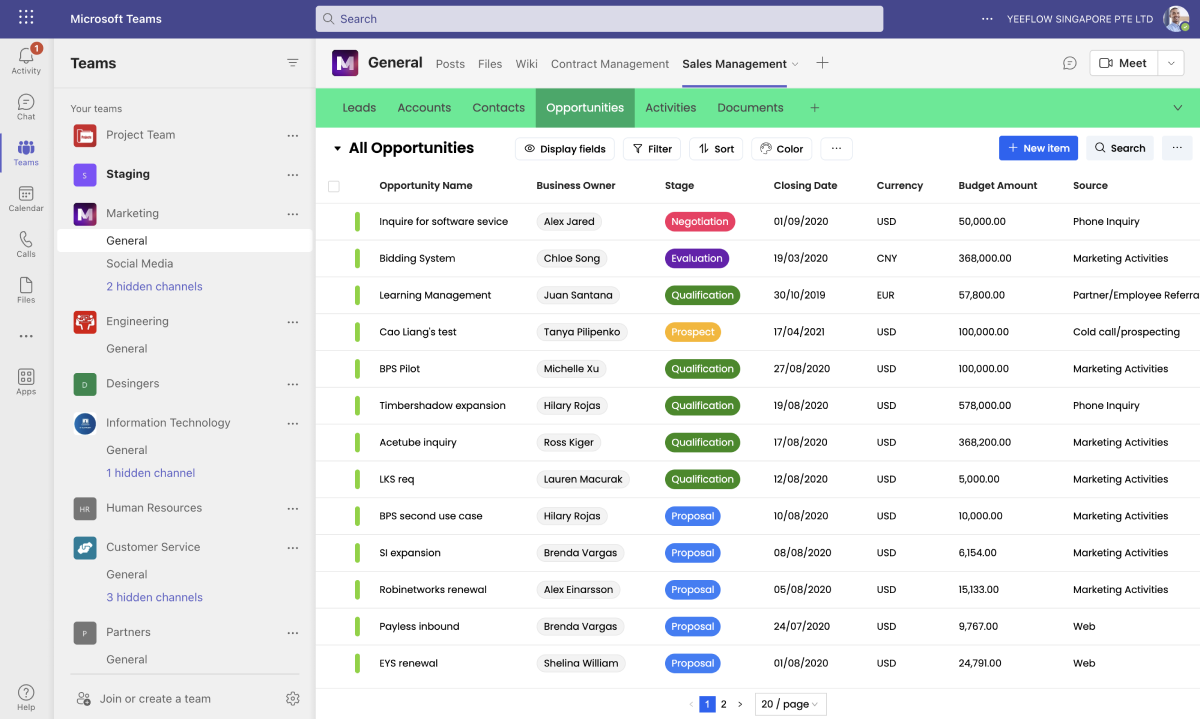
Receive instant message notifications from Yeeflow applications within Microsoft Teams and take swift action. Keep your team aligned and responsive with real-time updates and notifications.
Yeeflow Bot on Microsoft Teams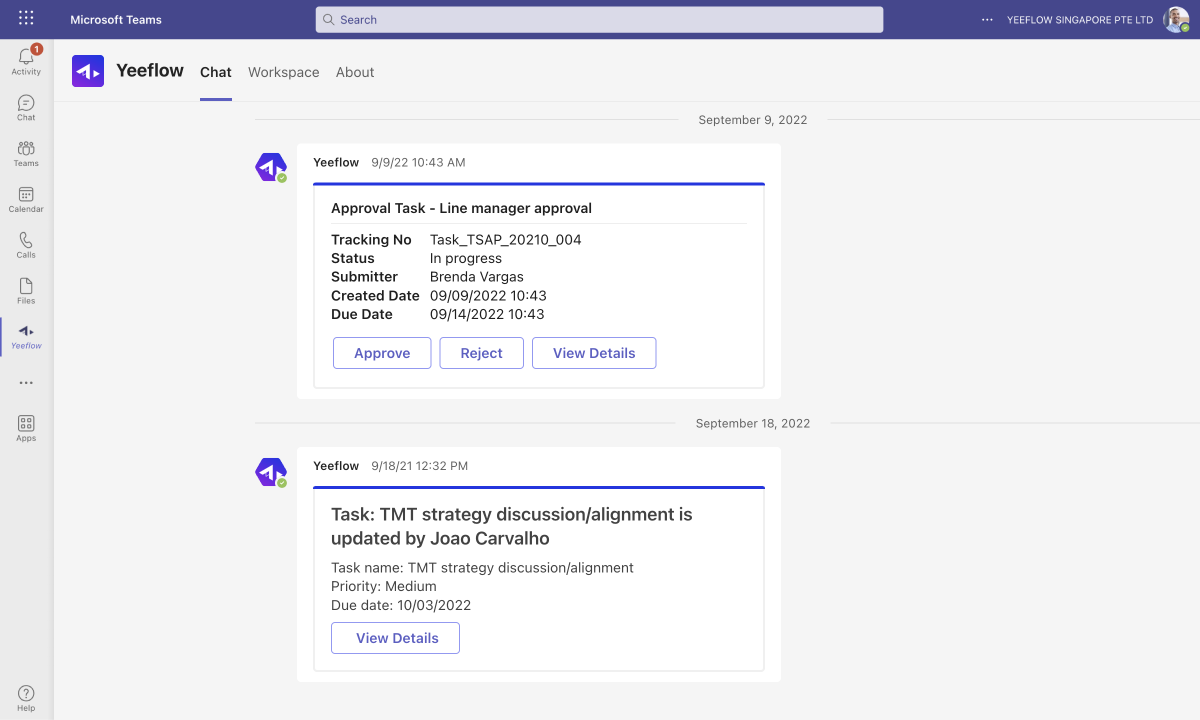
Install and start
Open the Microsoft Teams app store and follow the steps to install Yeeflow on Teams:

Search Yeeflow from the App Store

Click “Install” button to add Yeeflow to your Teams

Sign up with your Office 365 account.
Check our Help Center to learn more about Yeeflow for Microsoft Teams.
Questions
We're here to help with any questions you have about plans, pricing, and supported features.
No, there are no extra costs associated with using Yeeflow in Microsoft Teams.
No, Microsoft 365 credentials are required for accessing Yeeflow within Microsoft Teams.
If you can't find the Yeeflow app, your Microsoft 365 admin may have disabled the installation of non-Microsoft applications from the Teams App Store. Please consult your organization's Microsoft 365 admin for assistance.
Yes, as a Microsoft Teams admin, you can configure policies from the Admin Center in Microsoft Teams to install the Yeeflow app for all users within your organization.
Yes, Yeeflow offers User Sync services that enable administrators to configure the synchronization of Microsoft 365 users to Yeeflow. Please refer to our help center for instructions on configuring this service.
Currently, Yeeflow does not support syncing Microsoft 365 user groups. If you require this functionality, you may consider developing a custom synchronization service using our Restful APIs.
To receive notifications from Yeeflow in your Microsoft Teams, you must first log in through the Chat tab of the Yeeflow app within Teams.